
Getting started
Activation
Spryte must verify the itch.io account used to purchase the application. This activation is required once on each computer.
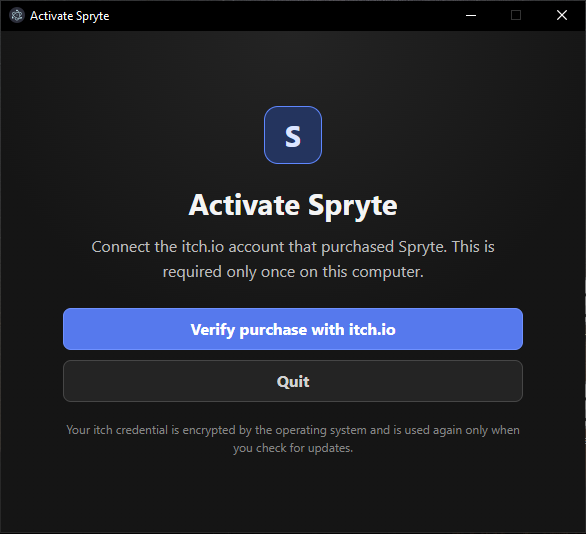
Select Verify purchase with itch.io. Spryte opens an itch.io authorization page in your browser.
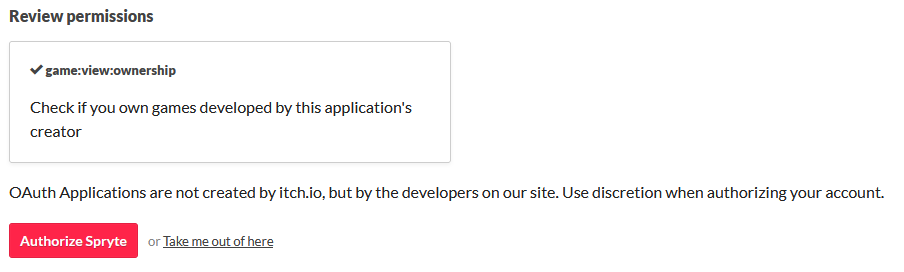
Review the requested permission, then select Authorize Spryte. The permission allows Spryte to confirm that your itch.io account owns the application.
After authorization, return to Spryte. The welcome screen opens, where you can choose a built-in avatar or load your own model.